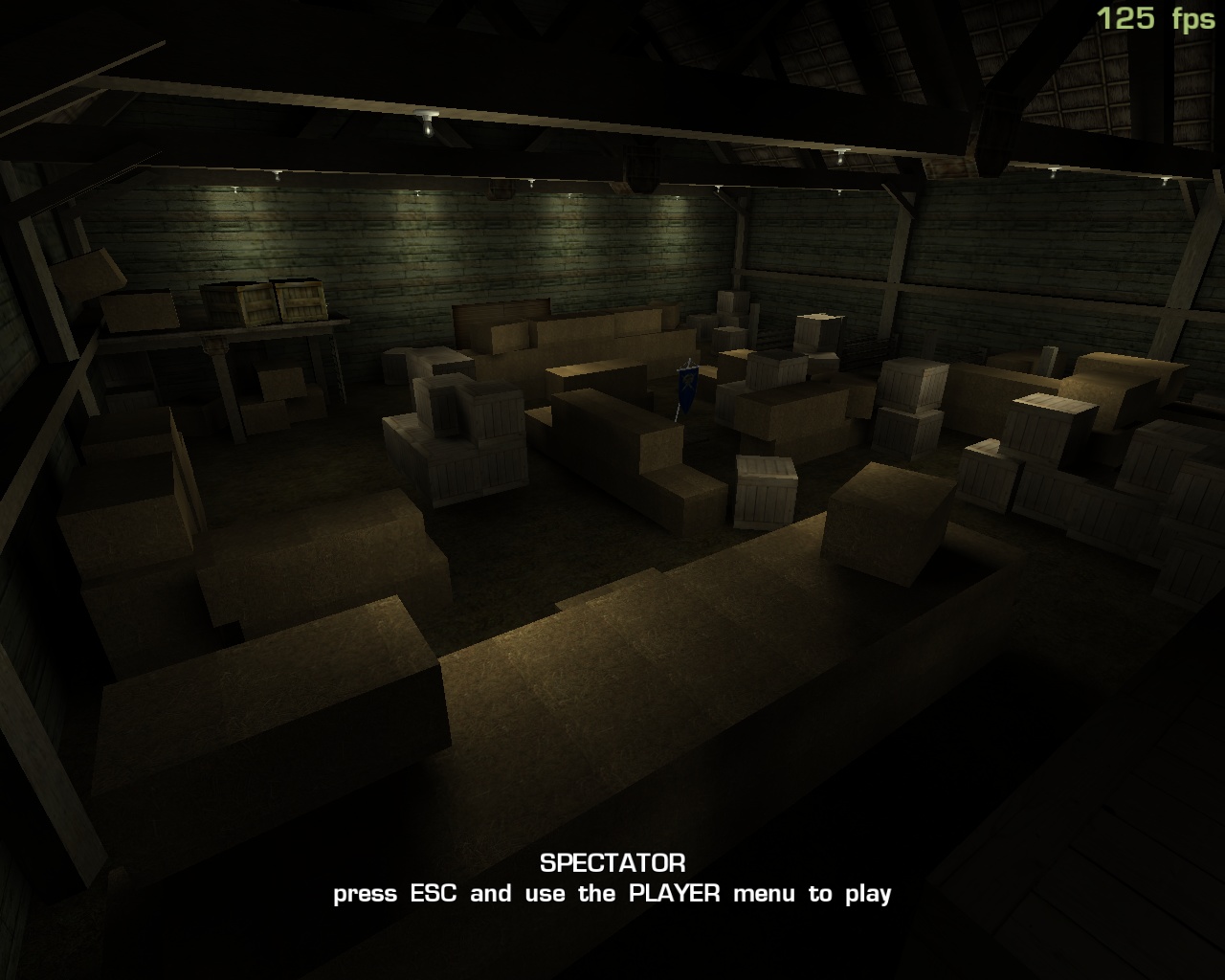
- Version
- Download 142
- File Size 1.50 MB
- File Count 1
- Create Date 9 April 2020
- Last Updated 9 April 2020
Fairplay Anticheat Software

Instructions:
1. place fairplay.exe in your sof2 folder (alongside your normal sof2 executable)
2. run fairplay
In-Game Cvars:
fp_check - bind the key you want to use to print the check list to console (eg: fp_check "kp_minus"), uses sof2 keycodes
fp_vertexlight - enable or disable vertex lighting; needs a vid_restart or reconnect to be changed
fp_autocolour - sets chat autocolour (eg: fp_colour "$" would produce red-coloured chat)
Demo-Only Cvars:
fp_drawfog - works the same as r_drawfog
fp_stream - turns on demo streaming, will only stream demos started AFTER this command is set to 1
fp_firstspec - enables spectating in first person
fp_thirdperson - enables third person view, can only be used in conjunction with fp_playerview serverside cvar
Server Cvars:
rcon sets fp_specview - forces all clients connecting with fp to spectate in first
rcon sets fp_playerview - 0 = disable third, 1 = forces all clients connecting with fp to play in third person, 3 = let player decide (fp_thirdperson)
In-Game Commands:
pause key - press this key to minimize and restore sof2
check key - will print a list of all the players in your server that have fp to the console
@fairplay - in chat will show the fp message
@fairshot [guid] - in chat will take a screenshot of the player with that guid, example: @fairshot 8b874
@fairshot - with rcon will screenshot all players on the server
@fp - alias of @fairplay
@fs - alias of @fairshot
Important:
Some computers with Windows XP and lower may need to install this for FP to work:
Net Framework 3.5 SP1 Latest